Making Your Social Media More Inclusive
Social media is where your audience lives. From Facebook feeds to Instagram Reels, TikTok trends to LinkedIn insights, these platforms offer unparalleled opportunities to connect, engage, and grow your brand. But in the rush to create viral content, are you inadvertently silencing your message for a significant portion of your potential customers?
The truth is, many common social media practices create invisible barriers for people with disabilities. Think about it: an image posted without a description, a video without captions, or a graphic with unreadable text. These seemingly small omissions can mean millions of users are left out of your conversation.
As a business, embracing social media accessibility isn't just about doing the right thing; it's about smart business. It expands your reach, deepens user engagement, fortifies your brand reputation, and future-proofs your digital strategy.
Let's explore why social media accessibility is no longer optional, what to watch out for, and how it can impact your business – for better or for worse.
What Exactly Is Social Media Accessibility?
Social media accessibility means designing and creating content on platforms like Instagram, Facebook, TikTok, LinkedIn, and X (Twitter) in a way that people with disabilities can understand, perceive, navigate, and interact with. This includes users who rely on
Screen readers (for visual impairments)
Captions/transcripts (for hearing impairments)
Keyboard navigation (for motor impairments)
High contrast (for low vision or color blindness)
Clear, simple language (for cognitive disabilities)
Why Social Media Accessibility Matters
This isn't just about avoiding a hypothetical issue; it's about unlocking real business growth.
#1 Expand Your Audience & Market Reach:
Globally, over 1.3 billion people live with some form of disability – that's roughly 16% of the world's population.
In the U.S. alone, 1 in 4 adults (27%) live with a disability.
This represents a massive, often underserved market with significant purchasing power. When your content is accessible, you literally reach more potential customers.
#2 Improve User Experience (for Everyone):
Captions benefit noisy environments, non-native speakers, or people watching with sound off.
Clearer graphics help everyone, not just those with visual impairments.
Well-structured posts are easier for all users to scan and understand.
#3 Boost Brand Reputation & Loyalty:
Brands that prioritize inclusivity are seen as empathetic, socially responsible, and forward-thinking. This builds trust and fosters deeper customer loyalty.
Being accessible can differentiate you from competitors who aren't.
#4 Indirect SEO Benefits & Engagement:
More accessible content means more people can engage with it (likes, shares, comments). Higher engagement signals relevance to platform algorithms.
Transcripts and alt text provide more textual context for search engines within the platforms themselves, potentially improving discoverability.
Common Mistakes to Watch For
Many businesses unknowingly create barriers. Here are the most frequent culprits:
Images & Graphics Without Alt Text (or Poor Alt Text): Screen readers can't describe what's happening in your image if you don't tell them. Generic or keyword-stuffed alt text is also unhelpful.
Videos Without Captions or Transcripts: Crucial for people who are deaf or hard of hearing, but also for those watching in public or without sound.
Poor Color Contrast in Graphics: Text or logos on your social media visuals might be unreadable for people with low vision or color blindness if there isn't enough contrast between the text and background.
Ambiguous Link Text: Just pasting a raw URL or saying "Click here" without context makes it difficult for screen reader users to understand where the link goes.
Hashtags Without CamelCase: #socialmediaaccessibility is much harder to read than #SocialMediaAccessibility for screen readers (and sighted users too!). Screen readers will read the former as one long word.
Overuse of Emojis & Special Characters: Too many emojis or emojis placed between words can be disruptive for screen readers, which often read out the full description of each emoji.
Unstructured or Overly Dense Text: Long blocks of text without paragraphs, headings (where possible), or bullet points can be overwhelming for users with cognitive disabilities or those relying on screen readers.
GIFs & Auto-playing Media Without Controls: Flashing GIFs or videos that play automatically without user control can be disorienting or even trigger seizures.
How to Make Your Social Media Content More Inclusive
Making your social media accessible doesn't require a complete overhaul; it's about integrating simple habits into your content creation workflow.
Always Use Alt Text/Image Descriptions: Every meaningful image or graphic needs a concise, descriptive alt text. Most platforms have a dedicated field for this.
Provide Captions/Transcripts for All Videos: For Reels, Stories, or longer videos, use native captioning tools, add your own captions, or upload a separate transcript.
Ensure Good Color Contrast in Graphics: Use online contrast checkers when designing your visuals. Your brand colors might look great, but do they meet WCAG contrast ratios?
Write Descriptive Link Text: Instead of just pasting a URL, describe where the link goes. Example: "Learn more about our new services here" becomes "Discover our new services."
Adopt #CamelCase for Hashtags: Always capitalize the first letter of each word in a multi-word hashtag (e.g., #DigitalMarketingTips).
Use Emojis Mindfully: Place emojis at the end of a sentence or thought, rather than mid-sentence. Avoid emoji overload.
Break Up Text: Use short paragraphs, line breaks, bullet points, and even bolding to make your text more scannable and digestible.
Provide Content Warnings (if necessary): For flashing content or potentially disturbing imagery, give a heads-up.
Avoid Auto-Playing Media (where possible): Give users control over when media plays.
The Impact on Your Business
Your commitment to social media accessibility will ripple through your business.
If you embrace accessibility
Expanded Reach & Customer Base: You literally unlock new audiences and tap into a significant market segment.
Enhanced Brand Image: You're seen as a thoughtful, modern, and inclusive brand, which resonates with consumers.
Increased Engagement & Loyalty: Accessible content is usable content. When people can consume your message, they're more likely to engage, leading to stronger community and customer loyalty.
Innovation & Better Content: Thinking accessibly often pushes you to create clearer, more concise, and higher-quality content for everyone.
If you ignore accessibility
Exclusion & Missed Opportunities: You alienate potential customers, missing out on sales, leads, and brand advocates.
Negative Brand Perception: In a world increasingly aware of inclusivity, a lack of accessibility can lead to a reputation for being outdated or uncaring.
Reduced Engagement: If people can't understand or interact with your content, they won't engage. This can hurt your performance on platform algorithms.
Potential for Backlash: As awareness grows, users are more likely to call out inaccessible practices, leading to negative public relations.
Making your social media accessible is an ongoing journey, but it's one with immense rewards. Begin by implementing these best practices, and you'll quickly see the positive impact on your reach, engagement, and brand reputation.
Ready to dive deeper into specific platforms? In our next posts, we'll break down practical, step-by-step guides for making your content accessible on Instagram, Facebook, TikTok, LinkedIn, and X!
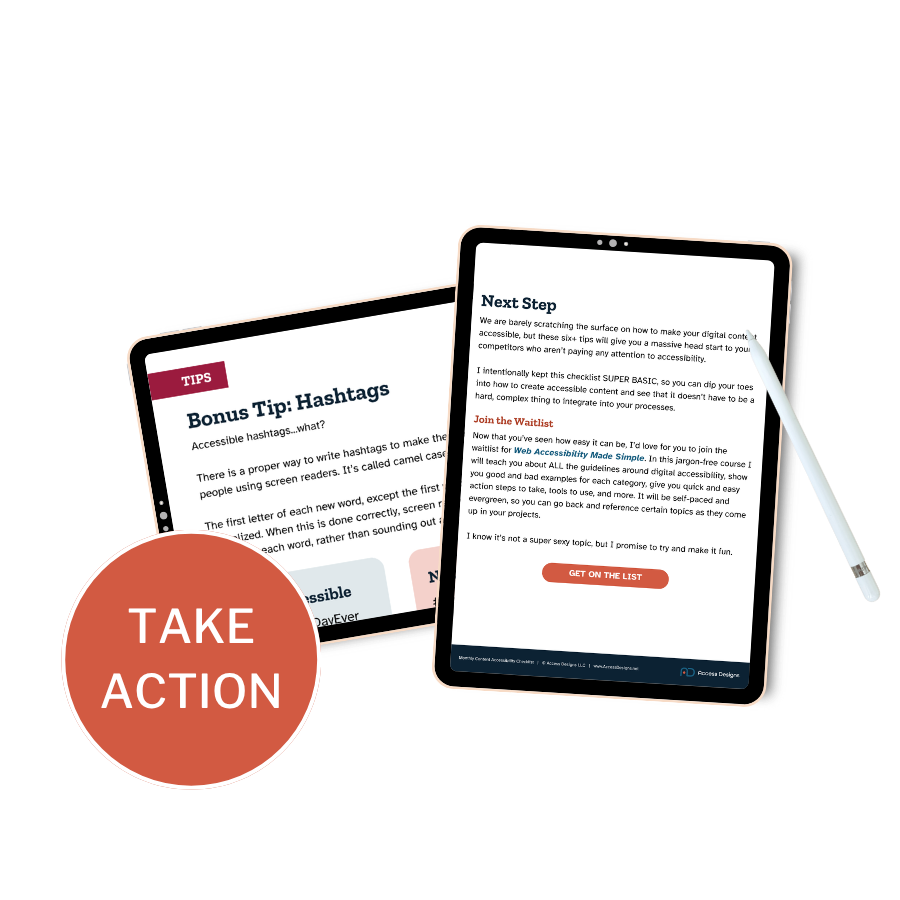
Get started with digital accessibility.
Check off six common online accessibility barriers as you create your content each month.