

It's the season of sale emails, holiday banners, and "last chance" promos.
If you're running any kind of holiday promotion, a few quick checks can make sure every customer can see your deal and use it, including people using screen readers, people with low vision or color blindness, and anyone reading your email with images turned off.
In This Article
Use Real Text for Sale Details
Go Easy on Flashing and Animation
Use Real Text for Sale Details
It's tempting to design one gorgeous graphic with all your promo details, "25% off, code JOY25, ends Sunday," and post that everywhere, physical flyers, social posts, on your website homepage.
That graphic is fine for physical flyers, and even to use online. But a screen reader can't read text inside an image. Neither can someone whose email program blocks images by default, and many do.
So, we need to make sure all your promo information is available to them too.
Put the important details in real text: the discount, the promo code, and the dates. Let the graphic set the mood and let the text share the information.
If you are using infographics, remember, the alt text needs to include any text that’s in the image. "Holiday sale graphic" doesn't tell anyone about the 25% off that they could take advantage of.
Watch Out for Red and Green
Red and green are the classic holiday colors, and they're also a common accessibility problem.
Red text on a green background, or the other way around, is hard for many people to read. For people with the most common types of color blindness, red and green can look the same.
You can still use red and green, but more as accents. For the words people need to see, try using green on a white background or red on a very light blue. It keeps it holiday themed but easier to read for everyone.
Make your sale stand out with good color contrast on your text, links, and buttons.
Go Easy on Flashing and Animation
Animated GIFs are fun. Twinkling lights, falling snow, a flashing "SALE."
But fast flashing can trigger seizures for some people, and constant motion makes it hard for many others to focus on anything else.
Keep animation slow and gentle and avoid anything that flashes. If it flashes more than three times in one second, skip it. And give people a pause button. Let them choose to turn the animation off if it’s distracting for them.
Use Button Text That Says Where It Goes
If your email has three buttons that all say "Shop Now," someone using a screen reader will hear "Shop Now, Shop Now, Shop Now" with no idea where each one goes.
Instead make it clear what they can get a deal on.
Shop the Gift Guide
Shop Holiday Candles
See All Sale Items
It's clearer for everyone, and it's better marketing too.
Make Your Deadlines Clear
Everyone is busier than normal this time of year. A promo that lands in their inbox that only says, "sale ends soon" doesn't help them decide if they need to take action now or if they have some time.
"Sale ends Sunday, December 13 at midnight Central" makes it super clear.
Specific details help people with memory or attention challenges, and they help all of us who are juggling a busy holiday season.
Holiday Promotion Accessibility Checklist
Before you send your next holiday email or post your next sale graphic, make sure.
The deal, code, and deadline are in real text.
Any images with text have alt text that includes those words.
All your text has strong color contrast. And try not to use red and green together for text.
Any animations are slow, gentle, free of flashing, and have a pause button.
Every button or link clearly says where it goes.
The deadline is specific, with a day, date, and time.
If you'd like help making accessibility part of every campaign, not just the holiday ones, we're here to help.

We helps small businesses build websites that are accessible, clear, and easier for EVERYONE to use from the start. If you want a professional review of your site’s accessibility, we’d love to take a look.
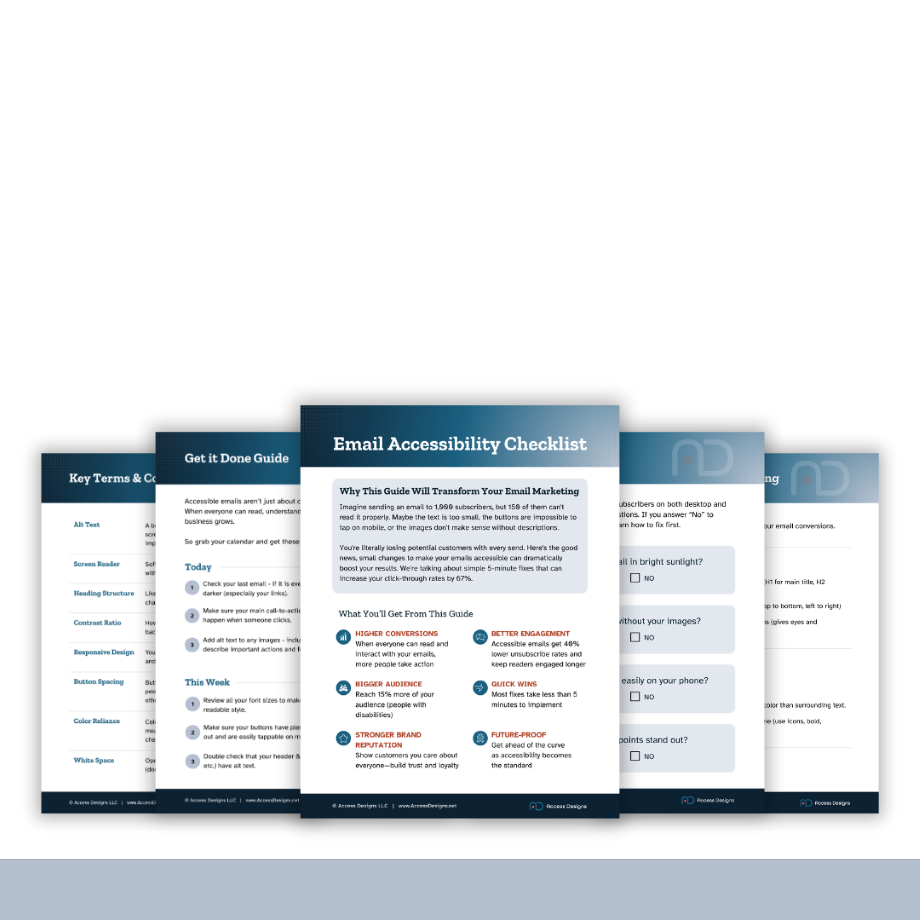
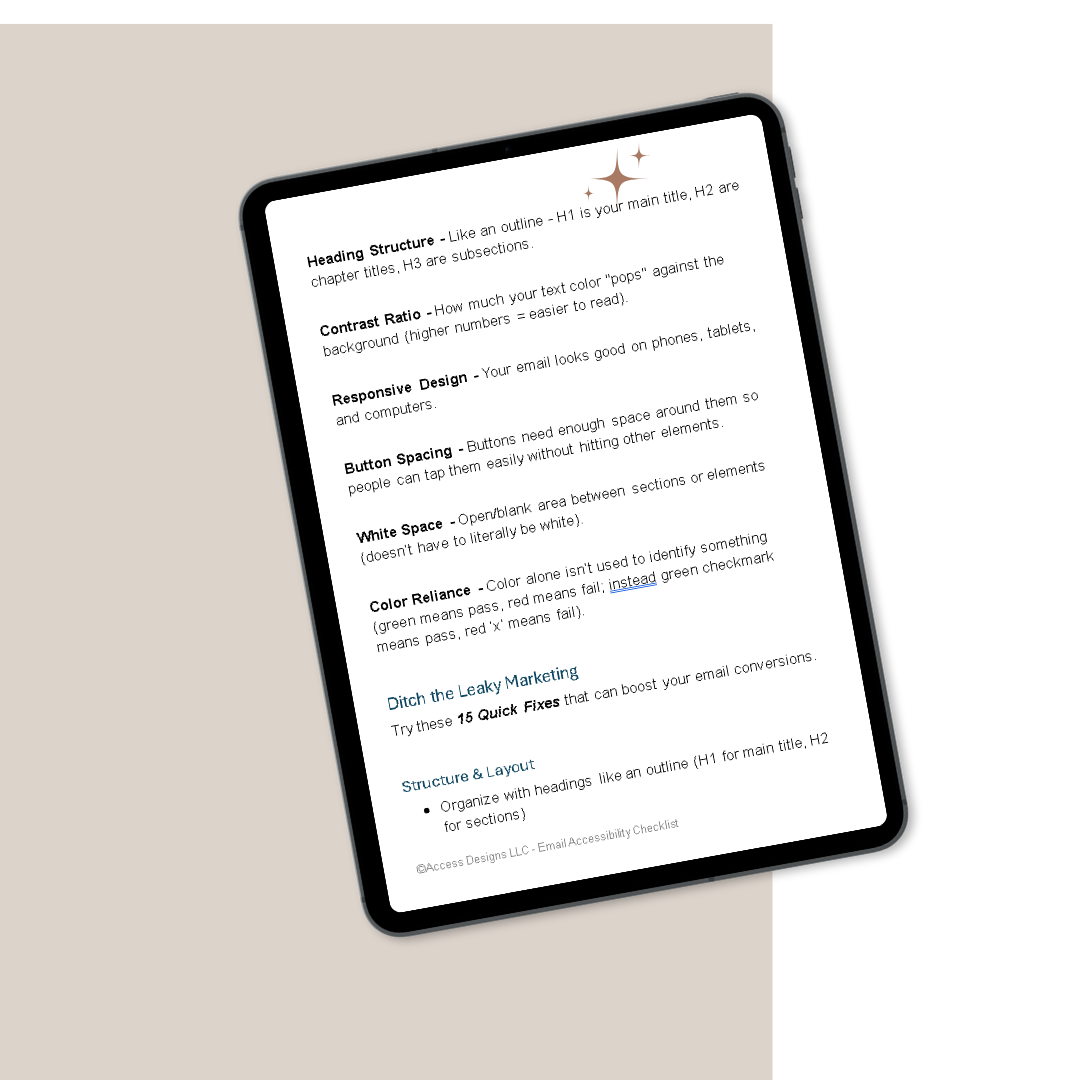


A beginner-friendly guide to captions, transcripts, subtitles, and audio description — so you always know which features your video needs, and how to create them without guesswork.
What You'll Get
What each feature does, and when you need it
A simple way to decide what your video needs
A step-by-step production workflow
Caption and transcript quality checklists
Beginner-friendly tool comparisons, free and paid
Links to official step-by-step tool tutorials
A plain-language standards reference
A pre-publish testing checklist
Beautifully designed, fully accessible PDF
Key Benefits
No technical experience required
Works with any video platform or editor
Built around free and low-cost tools
Instant download after purchase
Important
This is a digital product delivered via instant download. Due to the nature of digital products, all sales are final and not eligible for returns or refunds.
Personal use only
Licensed for individual use and cannot be resold, shared, or redistributed. Each purchase is for single-user access only.