

One of the questions we hear most is, "If I make my website accessible, will it help my Google ranking?"
The short answer is sometimes. Just not in the way most people expect.
Website accessibility helps people with disabilities find, understand, and use your website. Search engine optimization (SEO) helps search engines understand your content so the right people can find it.
They have different goals. But there are quite a few places where the work overlaps. Clear headings, useful alt text, descriptive links, and captions or transcripts all make a website easier to use while giving search engines better information about your content.
That doesn't mean every accessibility fix will boost your rankings. And good SEO definitely doesn't mean your website is accessible.
Knowing where they line up helps you build a website that's easier to find, and easier to use once someone gets there.
In This Article
Is Accessibility a Google Ranking Factor?
How Page Titles and Headings Help Both
How Alt Text Helps Accessibility and Image SEO
Why Descriptive Links Help Accessibility and SEO
How Captions and Transcripts Help People and Search Engines
How Accessible Navigation Supports SEO and Usability
Where Accessibility and SEO Don't Overlap
Is Accessibility a Google Ranking Factor?
No. Google doesn't list website accessibility or WCAG conformance as a ranking factor. It doesn't check whether your site meets accessibility standards and move you up the list.
What does happen is that many things that make a website accessible are the same things Google recommends: descriptive page titles, meaningful text, useful alt text, clear link text, and content written for people first.
That creates a natural overlap, and that overlap is where you get two wins out of one job.
But plenty of essential accessibility requirements aren't SEO tactics at all. A visible keyboard focus indicator doesn't exist to improve your ranking. Neither do labeled form fields, good color contrast, or controls you can use with a keyboard. They exist because people need them to use your website.
So instead of thinking "accessibility improves SEO," a more accurate way to put it is:
Some of the things that make websites more accessible also make their content easier for search engines to understand.

How accessible is your website?
An accessibility audit goes beyond automated scans to find the barriers people run into while navigating, reading, filling out forms, or using your website.
How Page Titles and Headings Help Both
Page titles and headings are one of the clearest places where accessibility and SEO overlap.
Your page title tells someone which page they've opened. That's helpful when you have ten browser tabs open, and it's the first thing a screen reader announces when a page loads. It's also one of the first things Google reads to figure out what the page is about.
Headings do the same job inside the page. Someone scanning visually jumps down the page looking for the section they need. Many screen reader users do the same thing by moving from heading to heading. Clear, logically ordered headings make both work.
Search-friendly headings tend to work well for accessibility because they explain what comes next.
Instead of The Details, try What's Included in Our Website Design Packages?
Instead of A Few Things to Know, try Learn About OUr Process.
You don't need to stuff keywords into every heading. Write headings that answer the question someone came to the page with. That works for people, for traditional search, and for AI-driven search results.
How Alt Text Helps Accessibility and Image SEO
Alt text may be the most obvious overlap between accessibility and SEO.
For accessibility, alt text gives a text alternative for an informative image someone can't see. A screen reader announces it, so the person doesn't miss what the image communicates. Decorative images are different. They should be skipped by assistive technology, not filled with unhelpful content just to say you added alt text.
For SEO, Google uses alt text along with the surrounding content to understand an image and how it relates to the page. Google recommends useful, descriptive alt text and warns against stuffing it with keywords.
So you DON'T need two versions of your alt text, one for people and one for Google.
Write it for the person who can't see the image. Describe what the image adds to the page in that spot. If a search term fits naturally because it's accurate, great. If it doesn't, leave it out.
Good alt text starts with the image's purpose, not your keyword list.
Why Descriptive Links Help Accessibility and SEO
Links are another easy win.
A link that says Click Here doesn't tell you much. A link that says Download the SEO Checklist tells you exactly what will happen.
Descriptive links are especially helpful for screen reader users, who can pull up a list of every link on a page. Picture that list reading "click here, click here, learn more, click here." Clear link text makes that list useful.
Google also recommends link text that's descriptive, concise, and relevant to the page you're linking to, because it gives context about the destination.
Again, you don't need separate links for Google. Just tell people where the link goes and the bots will understand too.
How Captions and Transcripts Help People and Search Engines
Video and audio are another place where accessibility and search work together.
Captions make spoken words and meaningful sounds available to people who are Deaf or hard of hearing, and to anyone watching with the sound off. Transcripts give a written version of audio content, and depending on the media, they can be an important part of meeting accessibility requirements.
On the search side, Google relies heavily on text to understand a page, and it recommends making information in visual media available as text.
Adding a transcript won't automatically move a page higher in search results. What it does is take useful information that was locked inside your video or podcast and make it easier to find, search, quote, and understand. That helps people too.
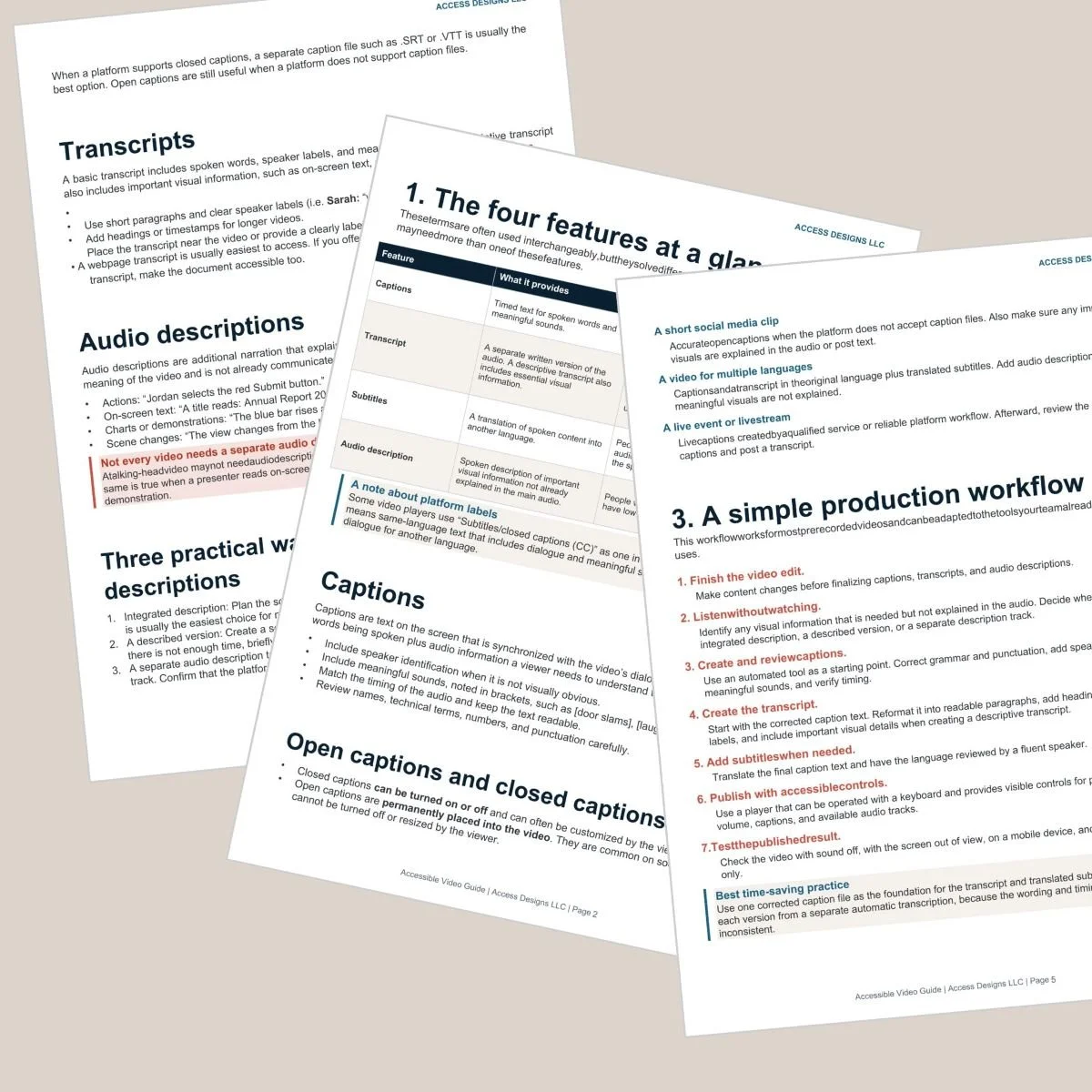
Accessible Video Production Guide
Not sure whether your video needs captions, a transcript, audio descriptions, or all three? Our Accessible Video Guide breaks down each option and when you may need it.
How Accessible Navigation Supports SEO and Usability
Good navigation helps visitors figure out where they are, what's available, and where to go next. Search engines need pathways through your site too. Clear internal links and a logical site structure help them discover your pages and understand how your content connects.
But this is where accessibility goes further than SEO.
Accessible navigation also has to work for someone who isn't using a mouse. People need to move through menus with a keyboard, see where keyboard focus is, open and close submenus, and use the navigation without relying on a mouse.
Those features may not raise your ranking. They can decide whether someone can use your website once search sends them there.
That's the difference that matters: SEO brings people to your door. Accessibility helps them get through it.
Where Accessibility and SEO Don't Overlap
Accessibility and SEO support each other in certain places, but they aren't interchangeable.
A website can rank high but be hard or impossible for someone with a disability to use. It could have
Text with poor color contrast
Forms without proper labels
Buttons or menus that can't be reached with a keyboard
No visible focus indicator
Pop-ups that trap keyboard users
Error messages a screen reader never announces
Those are serious accessibility problems, even if they barely affect search rankings. Any one of them can stop a customer from booking with you.
It works the other way too. An accessible website can still have unhelpful content, poor page titles, indexing problems, or no search strategy at all.
Site speed sits in its own category. Google uses Core Web Vitals, which measure loading, responsiveness, and visual stability, as part of how it evaluates page experience. A slow site is frustrating for everyone. But speed on its own isn't related to a site being accessible or not.
How to Improve Website Accessibility and SEO Together
You shouldn't choose between optimizing for search and building an accessible website. In many areas, the same thoughtful content decisions support both.
Start where they naturally overlap
Give every page a clear, descriptive title.
Organize longer content with meaningful headings in a logical order.
Write alt text based on what each image adds to the page.
Use link and button text that says where it goes.
Add captions and transcripts to important video and audio.
Keep navigation clear and link related pages to each other.
Write content around the questions your customers are actually asking.
Then test accessibility on its own, because SEO tools won't do it for you. Put your mouse away and get around the page with only your keyboard. Check your color contrast. Fill out your own forms. Try any interactive features, like menus, sliders, and pop-ups.
Automated accessibility checkers are a good starting point, but they don't catch everything. If you want to achieve accessibility compliance, hire a professional to audit and remediate your website.
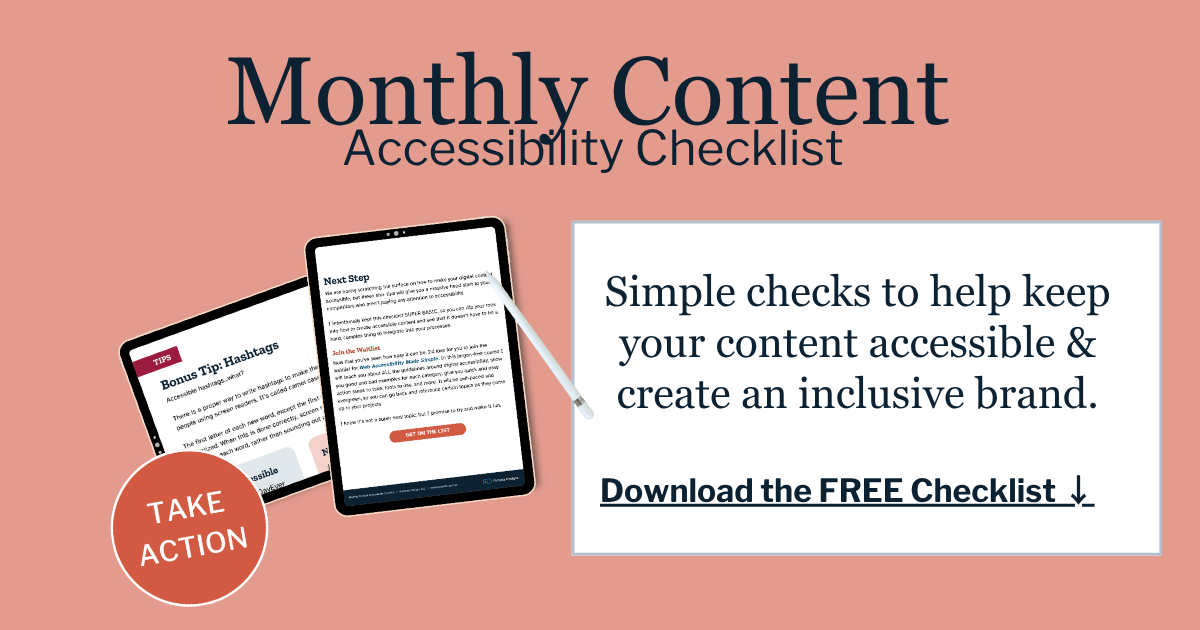
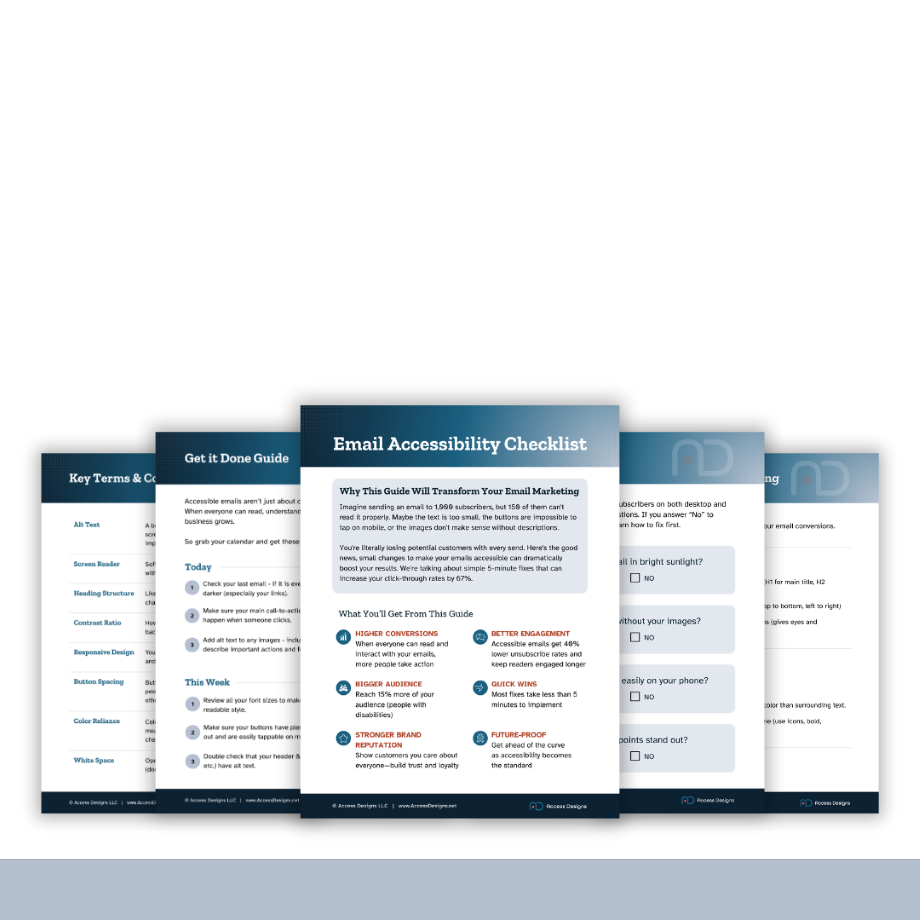
We helps small businesses build websites that are accessible, clear, and easier for EVERYONE to use from the start. If you want a professional review of your site’s accessibility, we’d love to take a look.

Website Accessibility and SEO FAQs
Not directly, since accessibility isn't a Google ranking factor. But several accessibility practices overlap with SEO best practices. Descriptive page titles, clear headings, useful alt text, descriptive links, and transcripts help people use your content and help search engines understand it.
Is website accessibility a Google ranking factor?
No. Google doesn't list WCAG conformance or website accessibility as a ranking factor. It does recommend many practices that overlap with accessibility, including people-first content, descriptive titles, useful alt text, meaningful links, and a good page experience.
Does alt text help SEO?
It can. Alt text helps Google understand what an image shows and how it relates to the page. Its main job is giving people who can't see an informative image the same information, so write it for them and skip the keyword stuffing.
Are headings important for accessibility and SEO?
Yes, for slightly different reasons. Headings help people scan and navigate a page, including people using screen readers. They also tell search engines what the page covers and how it's organized.
Will an accessibility overlay or widget help my SEO?
No. Overlays sit on top of your website without fixing the underlying content and code, so search engines see the same problems they always did. They also often create new barriers for people using assistive technology. Real fixes in your content and code are what help both.

A beginner-friendly guide to captions, transcripts, subtitles, and audio description — so you always know which features your video needs, and how to create them without guesswork.
What You'll Get
What each feature does, and when you need it
A simple way to decide what your video needs
A step-by-step production workflow
Caption and transcript quality checklists
Beginner-friendly tool comparisons, free and paid
Links to official step-by-step tool tutorials
A plain-language standards reference
A pre-publish testing checklist
Beautifully designed, fully accessible PDF
Key Benefits
No technical experience required
Works with any video platform or editor
Built around free and low-cost tools
Instant download after purchase
Important
This is a digital product delivered via instant download. Due to the nature of digital products, all sales are final and not eligible for returns or refunds.
Personal use only
Licensed for individual use and cannot be resold, shared, or redistributed. Each purchase is for single-user access only.