ADA Website Compliance for Small Businesses
When business owners hear “ADA compliance,” they usually think about physical spaces first. Things like wheelchair ramps, accessible parking, automatic doors, and accessible restrooms.
Those things matter. But your website matters too.
For many people, your website is the first place they interact with your business. They may use it to learn about your services, book an appointment, fill out a form, download a document, make a purchase, or decide whether they trust you enough to reach out.
That means your website is not just a marketing tool anymore. It is the main way people access your business.
And if someone cannot use it because of how it is designed, written, structured, or coded, that creates a barrier.
The U.S. Department of Justice explains that state and local governments and businesses open to the public need to make sure their websites are accessible to people with disabilities under the ADA (Americans with Disabilities Act).
So, let’s discuss what ADA website compliance means, how WCAG fits in, and why real accessibility goes much deeper than a few common checklist items.
In This Article
What Is ADA Website Compliance?
Creating Equal Access is Better for Everyone
How WCAG Fits Into ADA Website Compliance
More Than Just Alt Text and Color Contrast
Why Quick Scans, Plugins, and Overlays Are Not Enough
What an Accessibility Audit Should Include
How Small Businesses Can Start Improving Website Accessibility
Recapping What ADA Website Compliance Means for Your Business
What Is ADA Website Compliance?
The ADA, or Americans with Disabilities Act, is a civil rights law in the United States. Its purpose is to protect people with disabilities from discrimination and support equal access.
In the physical world, that might mean making sure someone can enter a building, move through a space, use a restroom, or use a self-service kiosk
In the digital world, the same idea applies.
Your website should not block people from accessing your business online.
That means people should be able to
Read your content.
Navigate your pages.
Understand your services.
Fill out and submit forms.
Watch or listen to media.
Complete important actions like booking, buying, downloading, or contacting you.
For one person, that may mean using a keyboard instead of a mouse. For another, it may mean using a screen reader. Someone else may need captions on a video, stronger color contrast, clear link text, larger text, or a page that works well when zoomed in.
Digital accessibility is about making sure people can use your website regardless of how they access the internet.
Creating Equal Access is Better for Everyone
Automatic doors are necessary for some people. A wheelchair user, a person using a walker, or someone with limited mobility may rely on them to enter a building.
But they also help many other people.
They help the parent pushing a stroller. They help someone carrying groceries. They help the delivery driver with full hands. They help the customer trying to manage kids, bags, and a busy parking lot.
Website accessibility works the same way.
The changes may be necessary for people with disabilities, but they often make the experience easier for everyone.
Clear headings help screen reader users understand the page structure, but they also help busy visitors scan the page quickly.
Captions help Deaf and hard-of-hearing users access video content, but they also help someone watching a video in a quiet office or noisy waiting room.
Strong color contrast helps people with low vision, but it also helps anyone using their phone outside in bright sunlight.
Accessible forms help people using assistive technology, but they also reduce frustration for every customer trying to book, buy, or contact you.
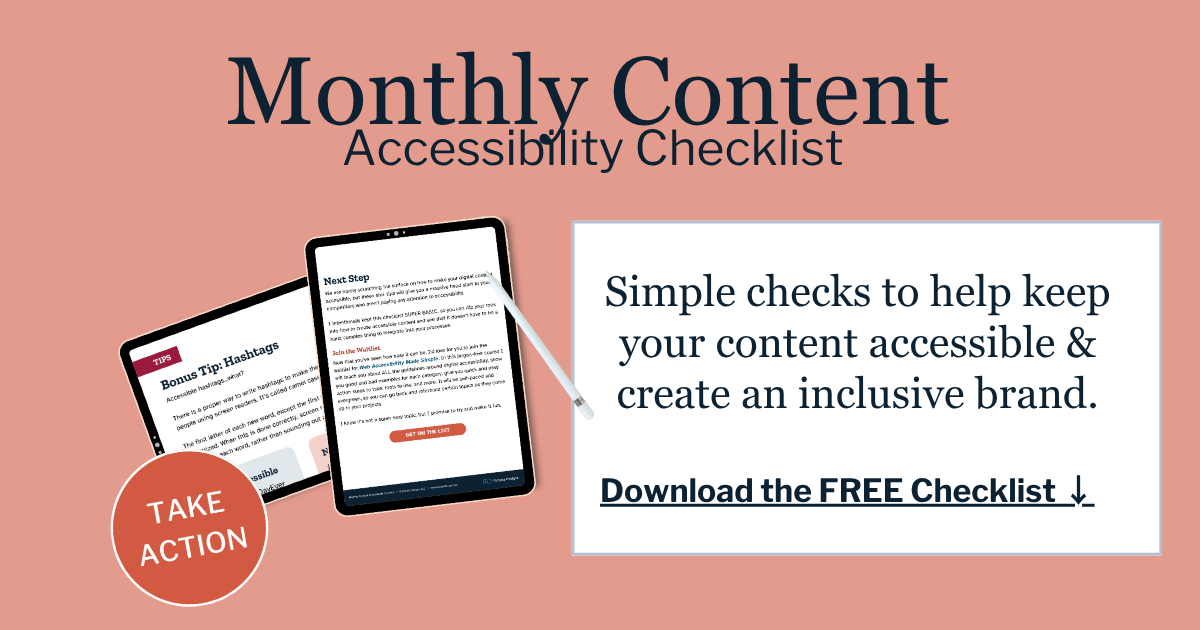
Creating accessible digital content is first and foremost about ensuring those of differing abilities can access and use online content. But just like automatic doors, an accessible website, form, or PDF will improve EVERYONES experience with your brand.
How WCAG Fits Into ADA Website Compliance
WCAG stands for Web Content Accessibility Guidelines.
WCAG is not the same thing as the ADA. The ADA is the law. WCAG is a technical standard used to measure and improve web accessibility.
The World Wide Web Consortium, also known as W3C, publishes the WCAG. The guidelines are organized around four main principles: content should be perceivable, operable, understandable, and robust (also known as POUR).
That means people should be able to
Find and understand the information on your site.
Use your website with different tools and devices.
Know what to do next.
Rely on the site to work with assistive technology.
For private businesses, the ADA does not currently give one simple website checklist that applies neatly to every situation. That is one reason this topic can feel confusing. However, WCAG is widely used as the benchmark for evaluating whether a website is accessible or not.
For small and mid-size businesses, the practical question is, “Is our website accessible enough to work for people with disabilities, reduce barriers for our customers, and limit our legal risk?”
That is a better question than simply asking whether your site has passed a quick scan or installed a badge.
It is also important to note that depending on what type of business you have, where it operates, and where your customers are, there maybe other local, state, or country laws and regulations to be considered when making your website accessible.
More Than Just Alt Text and Color Contrast
When most people first learn about website accessibility, they hear about a few common issues like alt text, color contrast, or captions.
Those are important, and they are often good places to start.
But they are not the whole picture. In fact, they barely scratch the surface.
A website can have alt text but have poor heading structure. It can pass a color contrast check but have forms that do not work. It can look polished and professional but still be confusing or unusable for someone using assistive technology.
Real accessibility looks at the full experience a user will have.
Accessible Forms
Forms are one of the most important parts of a business website.
Your contact form, appointment request form, intake form, checkout form, newsletter signup, or quote request form may be the exact place where a visitor becomes a customer.
But forms can create major barriers when they are not built correctly.
A form may look perfectly fine visually, but still fail for people using screen readers, keyboard navigation, or other assistive tools.
Common form problems include missing labels, unclear instructions, confusing error messages, required fields that are not explained, and buttons that cannot be reached or activated with a keyboard.
For a business, this is not a small issue.
If someone cannot submit your contact form, book an appointment, or complete checkout, that is not just an accessibility problem. That is a lost opportunity.
Accessible PDFs and Downloadable Documents
PDFs are another area many businesses overlook.
Pricing guides, brochures, menus, intake forms, applications, event flyers, service packets, and downloadable resources are often shared as PDFs.
But if those documents are not created accessibly, they may be difficult or impossible for some people to use.
A screen reader user may not be able to understand the document structure. A keyboard user may not be able to move through a fillable form. Someone using zoom may struggle if the document does not reflow well.
If the information is important enough to put on your website, it should be accessible too.
Accessible Video and Audio Content
More businesses are using video and audio for marketing, education, training, and customer support.
That content needs accessibility planning too.
Captions are important for video content. Transcripts are helpful for audio and video. Depending on the content, audio descriptions may also be needed when important visual information is not explained in the audio.
Even the media player matters.
Can someone use the controls with a keyboard? Are the buttons clearly labeled? Does the video autoplay in a way that creates problems? Is the thumbnail or podcast artwork meaningful and accessible where needed?
Video and audio accessibility is not just about adding captions before you hit publish. It is about making sure people can access the full message in a variety of ways.
Website Structure and Navigation
A website is more than what people see on the screen.
Behind the design, there is structure. That structure helps browsers, search engines, and assistive technology understand the page. Headings, links, buttons, lists, landmarks, menus, and page sections all matter.
When a website is structured well, people can move through it more easily. A screen reader user can understand what section they are in. A keyboard user can move through the page in a logical order. A visitor scanning quickly can find the information they need without feeling lost.
When the structure is poor, the site may still look good visually, but it can feel confusing or broken for people using assistive technology.
That is why accessibility cannot be judged by appearance alone.
Third-Party Tools
Many business websites rely on third-party tools.
Booking systems. Chat widgets. Pop-ups. Payment processors. Maps. Calendars. Review feeds. Embedded forms. Online menus. Scheduling platforms.
These tools can make your website more useful, but they can also introduce accessibility barriers.
Even if your main website pages are accessible, one inaccessible tool can block someone from completing an important action.
For example, if your appointment scheduler cannot be used with a keyboard, a customer may not be able to book with you. If your payment tool is confusing with a screen reader, someone may not be able to complete a purchase. If your pop-up traps keyboard focus, a visitor may not be able to continue using the page.
Accessibility needs to include the tools connected to your website, not just the pages you directly control.
Why Quick Scans, Plugins, and Overlays Are Not Enough
It would be nice if website accessibility could be solved with one plugin, one overlay, one badge, or one five-second scan.
But that is not how real accessibility works.
Automated tools can help catch some issues. They can be useful as part of a broader review. But they cannot tell the full story because many accessibility issues require human judgment.
A scanner may detect missing alt text, but it cannot always tell whether the alt text is useful.
It may flag a form issue, but it may not fully explain whether the form makes sense to a real user.
It may identify some code problems, but it cannot experience your site the way a person using assistive technology would.
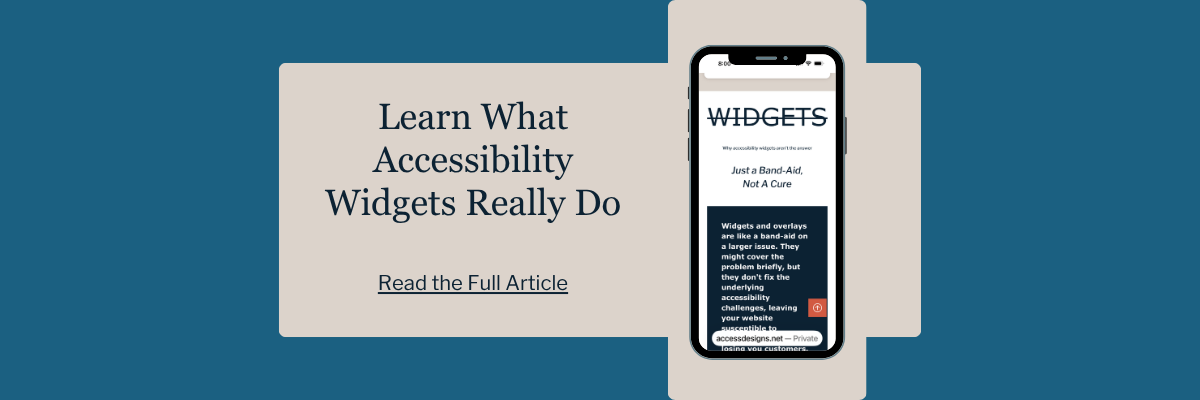
Accessibility overlays are especially misleading when they are marketed as a complete solution. They do not fix the underlying barriers in your website’s design, content, structure, or code. In many cases, they create more barriers and potential security risks.
What an Accessibility Audit Should Include
A strong website accessibility review looks at more than the obvious visual details. It should consider your content, structure, forms, documents, media, navigation, third-party tools, and the code behind the scenes.
It may include checks for
Keyboard accessibility
Screen reader usability
Heading structure
Link and button clarity
Form labels and errors
Color contrast
Text resizing and page reflow
Captions and transcripts
PDF accessibility
Motion and timed elements
Mobile usability
Sensory characteristics
Navigation consistency
Readable language
Some improvements are simple enough to start handling yourself, especially with the right guidance. Others need a trained accessibility professional who knows what to test, what to fix, and how to avoid creating new barriers in the process.
Be Aware of Legal Risks
Inaccessible websites can create real legal risk for business owners.
Legal complaints and demand letters do happen, and they are not something to brush off. But we also do not believe accessibility should be explained through fear alone. Scaring business owners into action usually leads to rushed decisions, quick-fix promises, and tools that do not actually solve the problem.
A better approach is to understand the risk clearly and respond responsibly.
If someone cannot use your website to contact you, book a service, complete a purchase, read important information, or access a document, that is a barrier. From a customer’s perspective, it can feel frustrating and exclusionary. From a business perspective, it can lead to lost trust, lost revenue, and in some cases, legal exposure.
That is why it is better to be proactive instead of waiting until there is a problem.
You do not need to panic, and you do not need to fall for anyone promising instant compliance with a plugin or overlay. What you do need is a clear understanding of where your website may be creating barriers and what needs to be addressed first.
Being proactive in creating accessible digital content is oftentimes more affordable than business owners think. But if you ignore accessibility and wait to get a demand letter, you won’t only be paying to fix your website, you will be dealing with stress, deadlines, and high legal fees too.
We helps small businesses build websites that are accessible, clear, and easier for EVERYONE to use from the start. If you want a professional review of your site’s accessibility, we’d love to take a look.
How Small Businesses Can Start Improving Website Accessibility
You do not need to fix everything in one day.
A good first step is to look at the places where customers take action.
Can they contact you? Can they book? Can they buy? Can they read your most important service pages? Can they access your documents? Can they watch or listen to your content with the right alternatives?
Start with the parts of your website that matter most to your customers and your business.
Then build from there.
You can also begin paying closer attention to everyday content habits.
Use clear headings.
Write descriptive link text.
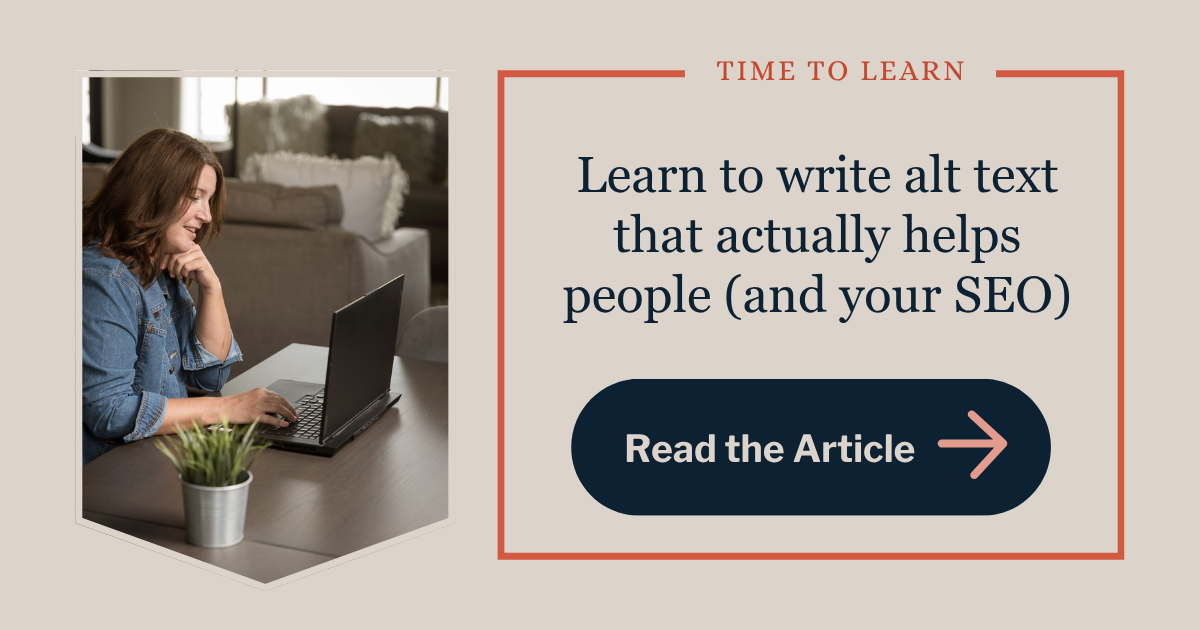
Add meaningful alt text when images need it.
Make sure videos have captions.
Avoid using images of text when real text would work better.
Choose colors with enough contrast.
Keep forms simple and clearly labeled.
Use plain language whenever possible.
These steps will not replace a full accessibility audit, but they can help you move in the right direction.
Recapping What ADA Website Compliance Means for Your Business
ADA website compliance can sound intimidating, especially when people talk about lawsuits, standards, audits, and technical requirements.
But in reality, it’s quite simple.
Can people easily use your website?
Can they find what they need?
Can they understand your content?
Can they take the next step without being blocked by something your business could have prevented?
That is what accessibility is really about.
It is not just alt text. It is not just color contrast. It is not a badge in the corner of your website. It is your content, the structure, your forms, your documents, your media, your tools, and the way all of those pieces work together.
For business owners, the goal is not to become an accessibility expert overnight. You just need to recognize that your website is part of how people experience your business. When that experience is confusing, frustrating, or unusable, people may leave before you ever get the chance to help them.
When your website is accessible, it becomes easier to use, easier to trust, and easier to act on. It supports the people who need accessibility most, and it creates a smoother experience for everyone else too.
Website ADA FAQS
Does the ADA apply to websites?
Yes. The DOJ has stated that businesses open to the public and state and local governments should make sure their websites are accessible to people with disabilities. The details can depend on your type of organization, location, and services, so it is smart to get qualified guidance for your specific situation.
Is WCAG the same thing as the ADA?
No. WCAG and the ADA are not the same thing. The ADA is a U.S. civil rights law. WCAG is a technical accessibility standard used to evaluate and improve websites. WCAG is often used as the benchmark for web accessibility.
What WCAG level should a business website follow?
WCAG Level AA is the most commonly referenced target for business websites. The DOJ’s 2024 Title II web rule uses WCAG 2.1 Level AA for state and local government web content and mobile apps. Private businesses should work with an accessibility professional or legal advisor to understand what applies to their situation.
Can an accessibility plugin make my website ADA compliant?
No plugin, overlay, badge, or automated scan can guarantee that your website is accessible or ADA compliant. Accessibility requires reviewing the real user experience, including content, forms, media, documents, structure, code, and third-party tools.
What are common website accessibility issues?
Common issues include missing or poor alt text, low color contrast, unclear links, inaccessible forms, missing captions, poor heading structure, keyboard navigation problems, inaccessible PDFs, and third-party tools that do not work well with assistive technology.
Why does website accessibility matter for small businesses?
Accessibility helps more people use your website. It can improve customer experience, reduce barriers, support trust, and help visitors take action. For small businesses, that can mean fewer lost inquiries, fewer frustrated users, and a stronger digital presence.