A lot of business owners assume their website is working well because it looks good, loads correctly, and has all the right pages.
But a good-looking website can still push people away.
If visitors struggle to read your text, use your menu, understand your buttons, browse your services, or complete your contact form, they may leave before you ever hear from them. Most people will not send an email saying, “I tried to hire you, but your website was too frustrating to use.”
They just move on.
Website accessibility helps remove those hidden barriers. It makes your site easier to read, easier to navigate, and easier to use for more people.
That includes people with disabilities, but it also includes mobile users, older adults, busy parents, tired brains, temporary injuries, and anyone trying to find information quickly.
And yes, that absolutely supports your business.
Today, we’ll walk through five business benefits of an accessible website and why accessibility is not just a technical checklist. It is one of the ways your website becomes clearer, stronger, and easier for people to trust.
In This Article
Why Website Accessibility Matters for Business Growth
Benefit 1: An Accessible Website Helps You Reach More Customers
Benefit 2: Accessibility Creates a Better User Experience for Everyone
Benefit 3: Accessibility Builds Trust and Credibility
Benefit 4: Accessibility Can Improve Leads, Inquiries, and Conversions
Benefit 5: Accessibility Supports Long-Term Growth
Bonus Benefit: Accessibility and SEO Work Together
Why Website Accessibility Matters for Business Growth
Website accessibility is often misunderstood.
Some business owners think it only applies to large companies. Others assume it is only about legal requirements. And many do not realize how closely accessibility connects to the everyday things they already care about, like getting more inquiries, building trust, and helping people take the next step.
At its core, accessibility means making your website usable for more people.
That may include someone using a screen reader, someone who cannot use a mouse, someone with a temporary wrist injury, or someone trying to read your site outside on their phone.
When your website works better for more people, your business has more opportunities to connect.
Benefit 1: An Accessible Website Helps You Reach More Customers
The most obvious benefit is also one of the biggest.
When your website is accessible, more people can actually use it.
That means more people can read your content, understand your services, navigate your pages, and contact you when they are ready.
For example, think about a potential client visiting your site because they are interested in working with you. They land on your homepage, but the text is hard to read over an image. The menu is confusing. The button says “Learn More,” but they are not sure where it goes. Then they reach your contact form, and the fields are not clearly labeled.
That person may have been a great fit.
But your website made the process harder than it needed to be.
Accessibility helps reduce those moments of friction so more visitors can move through your site with confidence.
Real-world browsing is not perfect
People do not always visit your website in ideal conditions.
They may be
Using a phone one-handed
Reading in bright sunlight
Recovering from an injury
Multitasking at work
Feeling tired or overwhelmed
Using keyboard navigation
Using assistive technology
Trying to find information quickly between appointments
An accessible website works better in more of those situations. That gives your business more chances to be found, browsed, and contacted.
Benefit 2: Accessibility Creates a Better User Experience for Everyone
One of the biggest myths about accessibility is that it only helps a small group of people.
In reality, many accessibility best practices are also good user experience practices.
Clear headings help people scan. Strong color contrast makes text easier to read. Descriptive links help people know where they are going. Logical page structure helps visitors move through your content without guessing. Well-labeled forms make it easier to complete the next step.
These are not strange technical extras. They are the basics of a website that feels natural to use.
When your website is easier to use, people can focus on your message instead of fighting the layout.
Better usability shows up across your whole site
Accessibility can improve nearly every part of your website, including:
Homepage messaging
Service pages
Blog posts
Contact forms
Menus and navigation
Buttons and calls to action
Mobile layouts
Image-heavy pages
Checkout or booking steps
A visitor should not have to work hard to understand what you do, who you help, or how to take the next step.
When those basics are handled well, your entire website feels more polished and professional.
Benefit 3: Accessibility Builds Trust and Credibility
Your website shapes first impressions.
Before someone fills out your form, books a call, or buys from you, they are already deciding how your business feels.
If your website is hard to read, confusing to navigate, or frustrating to use, that experience can make your business feel less reliable, even if your actual service is excellent.
Most visitors will not know the technical reason something felt off. They will just know the experience was confusing.
An accessible website creates a different impression. It feels clear, thoughtful, and easier to trust.
People trust businesses that make things simple
Most people are not looking for perfection. They are looking for clear answers.
They want to know
What do you offer?
Can you help me?
What does it cost?
What happens next?
How do I contact you?
If your website makes those answers easy to find, confidence grows.
If your website makes people dig, guess, zoom, refresh, or fight with a form, confidence drops.
That trust matters, especially for small businesses where the decision to reach out often depends on how safe, clear, and professional the experience feels.
Benefit 4: Accessibility Can Improve Leads, Inquiries, and Conversions
Your website should help people take action.
That action might be booking a consultation, requesting a quote, submitting an inquiry, signing up for your email list, registering for an event, or buying a product.
Accessibility helps remove the small barriers that can stop people right before they take that step.
For example
A vague button may make someone hesitate.
A low-contrast call to action may get missed.
A confusing form error may stop someone from submitting.
A keyboard issue may prevent someone from opening a menu.
A poorly structured page may make your services hard to compare.
None of these issues may seem huge on their own.
But together, they can significantly reduce the number of people who follow through.
Small barriers can have a big business impact
A broken contact form is an obvious problem.
But many accessibility issues are harder to spot. Maybe the form technically works, but the labels are unclear. Maybe the button is there, but the text is hard to see. Maybe the mobile layout loads, but it is frustrating to use.
Accessibility work often improves those weak spots.
The result is a website that does a better job helping people move from interested visitor to actual lead, client, customer, or subscriber.
Continue Learning
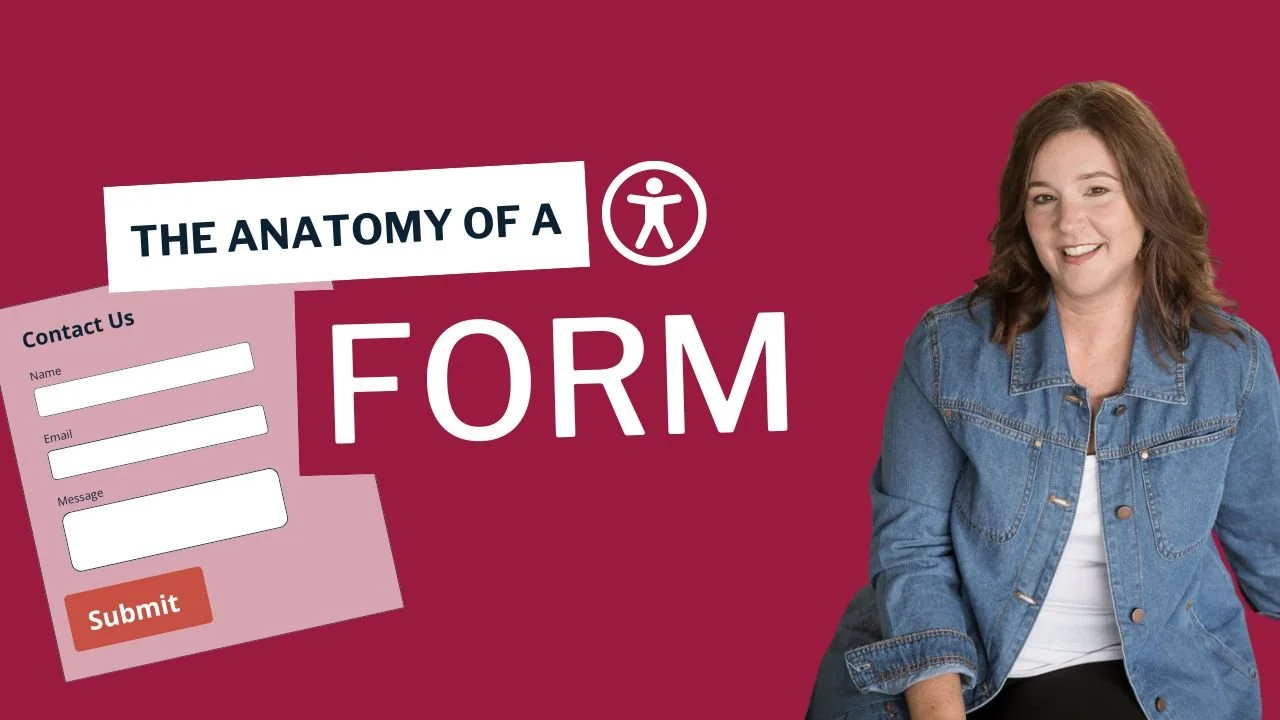
Is your form costing you leads?
Learn the basics of accessible contact forms, labels, buttons, and error messages.
Benefit 5: Accessibility Supports Long-Term Growth
Accessibility is not something that works best as a last-minute add-on.
It is much more effective when it is part of how your website is built, updated, and maintained.
That matters because your website is never really finished.
You may add new service pages, write blog posts, change your offers, upload PDFs, add videos, install plugins, update your navigation, or revise calls to action.
If accessibility is part of your process, those updates are more likely to stay clear, usable, and consistent.
If accessibility is ignored until problems pile up, fixing everything later can become more time-consuming and more expensive.
Real accessibility is built in
Business owners are often sold quick fixes, especially accessibility widgets and overlays.
But widgets do not replace accessible design, content, structure, and development.
A stronger long-term strategy is to build accessibility into the actual website. That includes your headings, forms, navigation, buttons, links, colors, content, media, documents, and ongoing updates.
When accessibility becomes part of your foundation, your website is better prepared to grow with your business.
Bonus Benefit: Accessibility and SEO Work Together
Accessibility and SEO are not the same thing, but they do have a lot of overlap.
Many of the things that make your website easier for people to use also make your content easier for search engines to understand.
For example
Clear headings help visitors scan your page and help search engines understand the structure of your content.
Descriptive link text helps people know where a link goes and gives search engines more context.
Meaningful alt text helps people who cannot see an image understand what it shows and can also help search engines understand your images.
Real text on the page is easier to read, resize, translate, and index than important information hidden inside an image or PDF.
A clear page structure makes your content easier to follow for both users and search engines.
This does not mean accessibility is a SEO trick. Accessibility should always start with people.
But when your website is easier to read, easier to navigate, and easier to understand, it often creates a stronger experience all around. That can support better engagement, clearer content, and a website that is easier for both people and search engines to make sense of.
We helps small businesses build websites that are accessible, clear, and easier for EVERYONE to use from the start. If you want a professional review of your site’s accessibility, we’d love to take a look.
Final Thoughts
An accessible website is not just about checking a box.
It is about making your website easier for more people to use, understand, and trust.
When visitors can read your content, move through your pages, compare your services, complete your forms, and take the next step without unnecessary frustration, your website is doing a better job for your business.
That can mean more people reached, fewer missed opportunities, stronger trust, better inquiries, and a website that is easier to maintain over time.
If you are not sure whether your website is creating barriers, you do not need to figure it all out alone. A professional accessibility review can help you understand what is working, what is getting in the way, and which improvements will have the biggest impact.
Your website should help people connect with your business, not send them somewhere else.
Accessibility Business Benefits FAQs
What are the main business benefits of website accessibility?
The main benefits are reaching more customers, improving user experience, building trust, increasing conversions, and creating a stronger long-term website foundation. These are practical business outcomes, not just technical improvements.
Does website accessibility only help people with disabilities?
No. It absolutely helps people with disabilities, but it also helps older adults, mobile users, people with temporary limitations, busy and distracted users, and visitors who benefit from a website that is easier to read and navigate.
Can an accessible website help improve conversions?
Yes. When visitors can move through your site easily and complete key actions without confusion, they are more likely to contact you, book, buy, or inquire. Accessibility supports that by removing common barriers and making those steps easy for them.
Is website accessibility just about compliance?
No. Compliance may be part of the conversation, but the business value goes much further. Accessibility also supports usability, customer trust, audience reach, and overall website performance.
Are accessibility widgets a good solution?
No. Widgets and overlays are not a complete fix for accessibility problems. Real accessibility needs to be built into the website itself.